
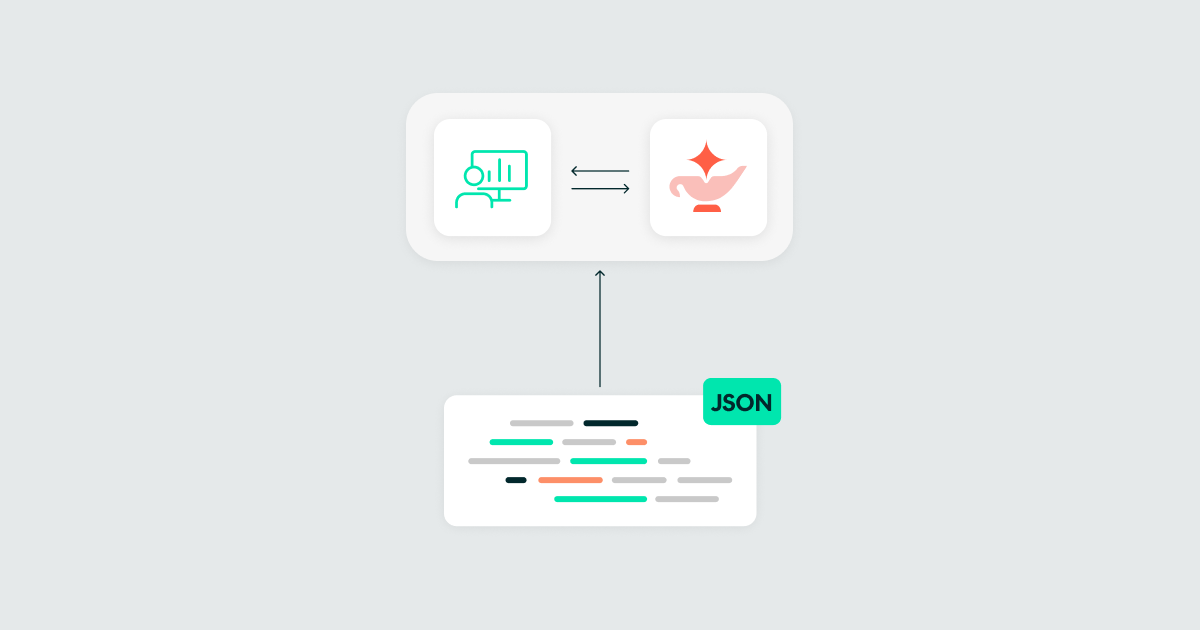
29 Oct 2026 Managing Databricks Genie Agents with Automation Bundles
During the development of a data solution project for a customer, we ran into some challenges when managing Genie Agents (formerly known as Genie Spaces) across environments: an agent configured manually in one workspace had to be recreated in the next, with no diff to review, and no history to fall back on if something broke. Environments also drifted apart the moment anyone tweaked a sample question directly in the UI.
When Databricks CLI 1.3.0 introduced support for Genie Agents in Declarative Automation Bundles, formerly known as Databricks Asset Bundles and widely called DABs, we brought them under the same bundle configuration we were already using for jobs and pipelines.
In this post, we’ll briefly cover how a DAB is put together and walk through the two principal issues that arise when adding Genie Agents: catalogs hard-coded into the agent’s JSON, and UI changes that aren’t automatically reflected in the bundle. Then we’ll explain how we solved them.
Declarative Automation Bundles
A DAB project has three moving parts: databricks.yml at the root, a resources folder holding one YAML file per resource, and an src folder holding the actual payloads those resources point to: notebooks, SQL, or, in our case, a Genie Agent’s JSON definition. The databricks.yml file pulls the resource files in using include, and its targets block maps the same resource definitions onto dev, UAT, and prod, each with its own workspace and variable values.
| Key | What it does | Why it matters here |
|---|---|---|
| bundle | Sets the bundle name and, optionally, engine: direct | genie_spaces requires the direct deployment engine |
| targets | One block per environment, each with its own mode and overrides | How the same Genie Agent reaches dev, UAT, and prod |
| variables | Reusable ${var.*} values, overridden per target | Where environment differences normally live |
| resources | Declares genie_spaces and any other resources used by the bundle | Holds the resource shown below |
None of these folder names are enforced by the CLI itself: include will happily pull YAML from other locations, and a resource’s file_path can point anywhere in the repo, but sticking to the resources plus src convention is what most Databricks tooling, templates, and examples assume, and it keeps a bundle easy to navigate as it grows to more than a few resources.
What A Bundle Can Control
Before getting into Genie specifically, let’s take a quick look at how far DABs now reach, since they’ve developed well beyond jobs and pipelines:
- Compute & orchestration: Jobs, pipelines, clusters, cluster_policies, instance_pools.
- Analytics & AI: Dashboards, genie_spaces, model_serving_endpoints, experiments.
- Apps: Apps, which can be wired to jobs, warehouses, secrets, or Genie Agents as resources.
- Governance (Unity Catalog): Catalogs, external_locations.
- Lakebase: database_instances, postgres_projects, postgres_branches, and related resources.
Two things about the Genie Agent resource specifically matter for what follows: first, it requires the direct deployment engine, and second, it’s mostly a thin pointer: title, warehouse_id, parent_path, permissions, plus a file_path to a separate JSON file holding the real content: data sources, sample questions, and instructions.
resources:
  genie_spaces:
    financial_space:
      title: "Financial Space"
      description: "Financial performance analysis across regions, departments, scenarios, and funding sources"
      warehouse_id: ${var.pbi_warehouse_id}
      parent_path: ${var.genie_parent_path}
      file_path: ../../src/genie_spaces/financial_space.geniespace.json
      permissions:
        - level: CAN_RUN
          group_name: ADMINS-GRP
        - level: CAN_MANAGE
          group_name: BI-DEVELOPERS-PROD
That split, a thin YAML resource plus a fat JSON payload, is convenient for deployment, but it’s also where both the problems described below originate.
Why We Bundled Genie Agents in the First Place
Before DABs supported this, the alternative was manually recreating (or copy-pasting) a Genie Agent between workspaces every time it changed, with no diffs, no review, and no rollback. Bringing it into the bundle gives us the same guarantees we already had for jobs and pipelines: the agent is defined once, reviewed through a pull request, and deployed identically to every environment through the same CI/CD pipeline.
The trade-off is that a Genie Agent isn’t purely configuration: its JSON payload embeds environment-specific references (mainly catalog names), and it’s routinely edited by non-technical users directly in the Databricks UI.
Problem 1: The Catalog is Hard-Coded into the JSON
The data_sources.tables block in a Genie Agent’s JSON references tables by fully qualified names (catalog.schema.table), and sample questions or instructions can reference the catalog by name too. Unlike fields in databricks.yml, this JSON file isn’t processed by the bundle’s ${var.*} substitution; it’s an opaque file referenced through file_path, not part of the inline bundle configuration. With this approach, there’s no built-in way to say, “use the dev catalog here, the prod catalog there”.
Our solution was to keep our dev catalog, dev_lake_catalog, as the canonical catalog name in the checked-in JSON and rewrite it to the target catalog as a tokenisation step in the CI/CD pipeline, right before bundle deploy runs. The target catalog name comes from a per-environment variable defined in our Azure DevOps variable group.
stages:
  - stage: deploy
    displayName: Deploy bundle
    jobs:
      - deployment: deploy
        environment: $(env)
        pool:
          name: $(AGENTPOOL)
        strategy:
          runOnce:
            deploy:
              steps:
                - checkout: self
                - script: curl -fsSL https://raw.githubusercontent.com/databricks/setup-cli/main/install.sh | sh
                  displayName: Install Databricks CLI
                - script: |
                    set -euo pipefail
                    for f in src/genie_spaces/*.json; do
                      # DATABRICKS_CATALOG is defined per-environment in the variable group
                      sed -i "s/dev_lake_catalog/$(DATABRICKS_CATALOG)/g" "$f"
                    done
                  workingDirectory: $(Build.SourcesDirectory)/ingestion_pl
                  displayName: Tokenise Genie space catalogs
                - script: |
                    # Make sure the ARM service connection variables used by other
                    # pipeline stages can't leak into this step's auth context
                    export arm_client_id=""
                    export arm_client_secret=""
                    export arm_tenant_id=""
                    export ARM_CLIENT_ID=""
                    export ARM_CLIENT_SECRET=""
                    export ARM_TENANT_ID=""

                    # Databricks OAuth M2M service principal for this workspace
                    export DATABRICKS_CLIENT_ID="$(WORKSPACE_CLIENT_ID)"
                    export DATABRICKS_CLIENT_SECRET="$(WORKSPACE_CLIENT_SECRET)"

                    databricks bundle deploy --target $(target) --auto-approve
                  workingDirectory: $(Build.SourcesDirectory)/ingestion_pl
                  displayName: Bundle deploy
                  env:
                    DATABRICKS_AUTH_TYPE: 'oauth-m2m'
                    DATABRICKS_HOST: $(DATABRICKS_WORKSPACE_URL)
A few details worth noting:
- The sed rewrite runs against the checked-out copy on the pipeline agent, not against the repo itself, so nothing gets committed back. The checked-in JSON stays “dev-shaped”, which is what you want for local iteration and clean PR diffs.
- We explicitly blank the ARM (Azure Resource Manager) service connection variables before the deploy step. They are used elsewhere in the same pipeline for infrastructure provisioning, and we didn’t want the Databricks CLI to accidentally pick them up instead of the OAuth M2M credentials intended for Databricks authentication.
- This is a workaround rather than a bundle-native feature. A more surgical alternative is a small Python step that only rewrites the identifier fields under data_sources.tables, leaving free text untouched.
Problem 2: UI Edits Don’t Flow Back into the Bundle
Genie Agents are meant to be tuned by the people who ask questions in them: analysts adjusting sample questions, adding instructions, and tweaking column descriptions. They do this in the Genie UI, not in a pull request. But UI changes only exist in the deployed workspace object; the local JSON in your bundle knows nothing about them. Deploy the bundle again without syncing first, and you silently overwrite the analyst’s changes with the old version.
The solution is to use the databricks bundle generate command, which pulls the live definition of an existing Genie Agent back into your bundle’s source files. You’ll need the Databricks CLI and Git set up locally, along with the agent’s space ID, which you can find in the URL …/genie/rooms/<space-id> or under the Settings tab.
- Clone the repo (or make sure your local clone is up to date) and cd into the bundle root.
- Run: databricks bundle generate genie-space –existing-id <space-id>
- This writes two files, sharing the same slug derived from the space’s title:
- resources/<space_title_slug>.genie_space.yml, the resource definition
- src/<space_title_slug>.geniespace.json, the serialised space content
- Diff these against what’s already in the repo. If they match your intent, run git add and commit them; the committed files become your new source of truth.
The generated YAML looks like the resource block shown earlier; the JSON holds the full payload:
{
  "data_sources": {
    "tables": [
      {
        "column_configs": [
          { "column_name": "Date", "enable_format_assistance": true },
          { "column_name": "Date Key", "enable_format_assistance": true },
          { "column_name": "Day", "enable_format_assistance": true }
        ]
      }
    ]
  } ...
}
Conclusion
Bringing Genie Agents into our DAB gave us the same review, versioning, and multi-environment consistency we already rely on for jobs and pipelines. Getting there requires the direct deployment engine, since agents simply won’t deploy without it.
Looking ahead, the next step will be to explore a scheduled job that runs the bundle generate command against each Genie Agent regularly, diffs the result against Git, and opens a pull request whenever it detects drift, eliminating the need to manually sync agents after changes are made.
If you are thinking of managing your Databricks platform through CI/CD, from jobs and pipelines to Genie Agents, don’t hesitate to contact us. Our certified experts will be more than happy to help you to unlock your data’s potential!