09 Sep 2026 PBIP and Git: A New Era for Power BI Development
Power BI development has long faced a challenge that software engineering teams solved years ago: version control. Whilst reports and semantic models have become increasingly business-critical, the development process has often remained heavily dependent on binary PBIX files, making collaboration, change tracking, and conflict resolution unnecessarily complex.
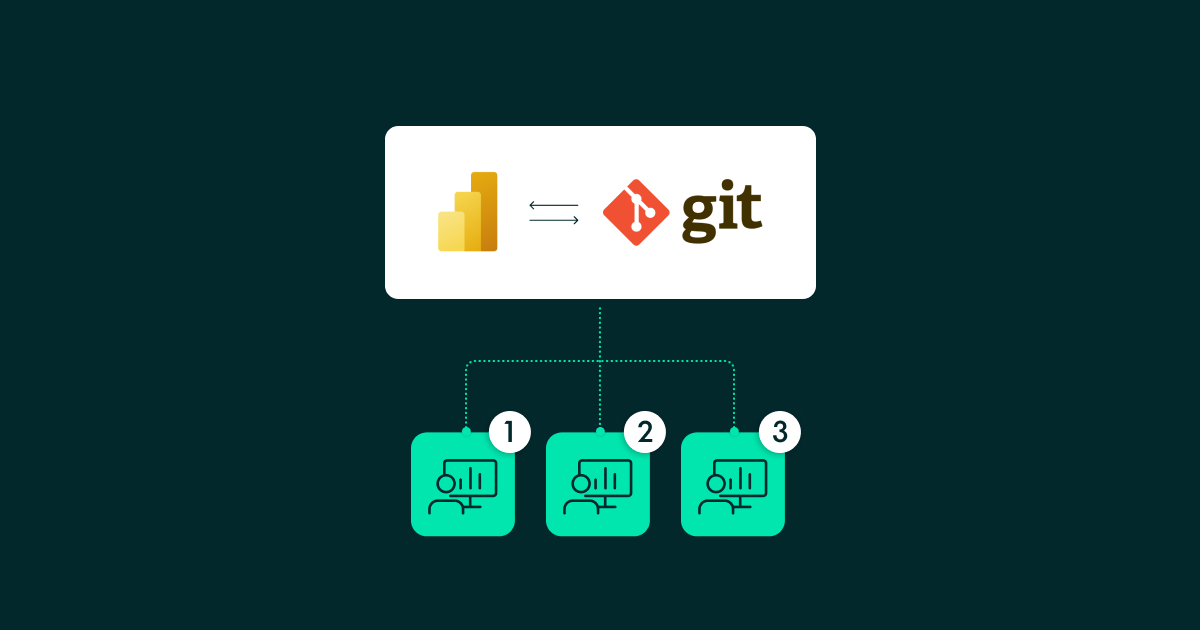
The introduction of Power BI Projects (PBIP) and the Power BI Enhanced Report Format (PBIR) marked a significant shift in how Power BI solutions can be developed and maintained. By representing reports and semantic models as source-controlled artifacts, Power BI developers can finally adopt the same Git-based workflows that have become standard in modern software development, opening the door to branching strategies, pull requests, traceable deployments, and collaborative development through platforms such as GitHub and Azure DevOps.
However, having the technology is only part of the solution: we still need a clear and consistent way of working. Without agreed standards, developers can easily encounter merge conflicts, overwrite changes, or struggle to follow the correct sequence of Git operations when working on PBIP-based projects.
In this article we’ll explain how we addressed this challenge by defining a practical and reusable version control architecture for Power BI projects, with the aim of establishing a standardised Git workflow for teams working with PBIP files.
We also used AI-assisted development by providing a reusable Agent Skill that developers can invoke through GitHub Copilot, Claude Code, and other AI agents that integrate with Visual Studio Code.
The result is a complete framework to industrialise Power BI development. It helps BI teams to align on Git practices, reduces the risk of conflicts and lost work, and accelerates the onboarding of new developers joining existing projects.
Establishing a Common Approach
As teams grow, multiple developers need to work simultaneously on the same solution, release changes safely, and maintain a complete history of modifications to restore earlier versions when necessary.
We have developed a practical version control architecture for PBIP projects. This framework is particularly valuable when the client has not already defined a version control methodology: rather than reinventing the wheel for every engagement, teams can apply this approach and adapt it to the requirements of each project.
Creating a Branch
A branch represents a separate line of development where developers can make changes without affecting the main codebase. Our recommended principle is simple: one branch per unit of work.
The definition of a “unit of work” depends on the project context. In environments using Azure DevOps, Jira, or similar project management platforms, a branch will typically be created for each ticket, user story, or task. Examples include building a new report page, adding row-level security, updating a semantic model, or fixing a report visualisation issue.
The objective is to keep branches focused, independent, and easy to review.
We recommend a naming convention that immediately indicates ownership, traceability, and business purpose, such as [initials]-[task id]-[short description].
Committing Changes
A commit should represent a meaningful and self-contained change. One of the most common mistakes in version control is creating commits that are either too large or too granular.
There are several common approaches to determining what constitutes a meaningful change:
- Milestone-based: Commit when a logical step is completed (e.g., “sales measures completed”).
- Save-point-based: Commit before making a significant change (e.g., renaming tables or modifying relationships).
- Session-based: Commit at the end of each working session.
Our recommendation is to use a combination of all three: commit when you have finished a logical step, before making a significant modification, and at the end of a session to avoid losing work.
A branch can contain multiple commits, provided that they all relate to the same unit of work.
Pull Requests
A pull request, commonly referred to as a PR, is more than simply a mechanism for merging changes: it is a quality gate that enables collaboration, peer review, and knowledge sharing across the team.
A pull request should be created when:
- The assigned unit of work is complete.
- The solution has been tested in Power BI Desktop.
- The branch has been synchronised with the latest project changes.
- The developer is ready for peer review.
One important rule we encourage teams to adopt is that, once a branch has been submitted through a PR, further development on that branch should stop. Any new requirement, enhancement, or bug fix should be developed in a new branch. This keeps repositories clean, reviews focused, and deployments predictable.
The Standard PBIP Development Workflow
To simplify adoption, we defined a standard workflow that can be applied across most PBIP projects.
Initial Configuration and Set-up
These steps should be completed before any version control operations:
- Create an empty local folder.
- Open Visual Studio Code, click on Open Folder…, and select the new folder.
Development from an Existing Repository
Our recommended development lifecycle follows six simple steps:
- Clone the repository to create a local copy so that every developer starts from the same baseline.
- Create a branch.
- Implement the changes in Power BI Desktop.
- Commit the changes.
- Push the branch to the remote repository. At this stage, the changes remain on your branch but become visible to the rest of the team.
- Create a pull request into the main development branch.
Accelerating Adoption with Agent Skills
A key aspect of our initiative is that the methodology is not only documented, but also made directly available to AI assistants. We packaged the workflow into a reusable Agent Skill, designed to work with GitHub Copilot, Claude Code, and other AI assistants that support the Agent Skills standard.
This allows developers to interact with an AI assistant directly from Visual Studio Code and receive guidance on:
- Branch creation.
- Git operations.
- Pull request workflows.
- Common troubleshooting scenarios.
- Best practices for PBIP development.
The result is a more consistent developer experience and a more efficient onboarding process for new team members.
Conclusion
Adopting version control for Power BI is no longer a nice-to-have reserved for large development teams. As analytics solutions grow in complexity and more contributors become involved, organisations need repeatable ways to collaborate, review changes, and maintain confidence in what reaches production.
The approach presented here provides a practical foundation for achieving that goal. By defining clear rules around branching, committing, pull requests, and peer review, teams can work more efficiently whilst reducing many of the common risks associated with collaborative Power BI development. The addition of a reusable Agent Skill promotes adoption, helping both experienced consultants and newcomers to follow established practices from day one.
Ultimately, this is about bringing greater discipline, consistency, and scalability to the way solutions are built. As Power BI becomes an increasingly important part of the modern analytics engineering stack, we need to treat its development like software development. Teams that adopt this approach will be better positioned to deliver high-quality solutions faster, collaborate more effectively, and meet the growing demands placed on modern data platforms.
If your organisation is adopting PBIP or looking to introduce a more structured approach to collaborative Power BI development, we can help you to define a version control architecture tailored to your environment and incorporate AI-assisted workflows into your development process. Get in touch with us and see what we can do for your organisation!